
Aloha kahako! Another week crossed off and another week closer to the end of this internship 😦 Unreal it’s already been 3 weeks. It’s gone by too fast! We only have less then a month left supposedly. I’m hoping and praying it gets extended. This has seriously been one of the greatest experiences of my life and it has giving me opportunities I never knew could exist for me. I am thankful for what I can get but, would love to be a part of the GameDevHQ ohana for little longer to see what we all can cook up 🙂
Well getting back to it. It’s been an eventful weekend finishing my 2D Game and getting into sprite art for myself. I would say its not perfect but, I am smoothing out the kinks and adding some of my own flare before I post it to the world. Got a few bugs that I overlooked so, I’ve been slowly fixing what I could diagnose and wont be long before its in running shape. Just hope my team digs it when I present it to them tomorrow. That aside, I started the Cinematography course and am loving it!
I’ve always been in love with photography and film so, this part of the content is my kind of action. I’ve had a lot of experience with documentaries, music videos, and even some T.V. shows. So putting together a cutscene is second nature to me. I just cant wait to take this knowledge and bring some of my ideas to light.
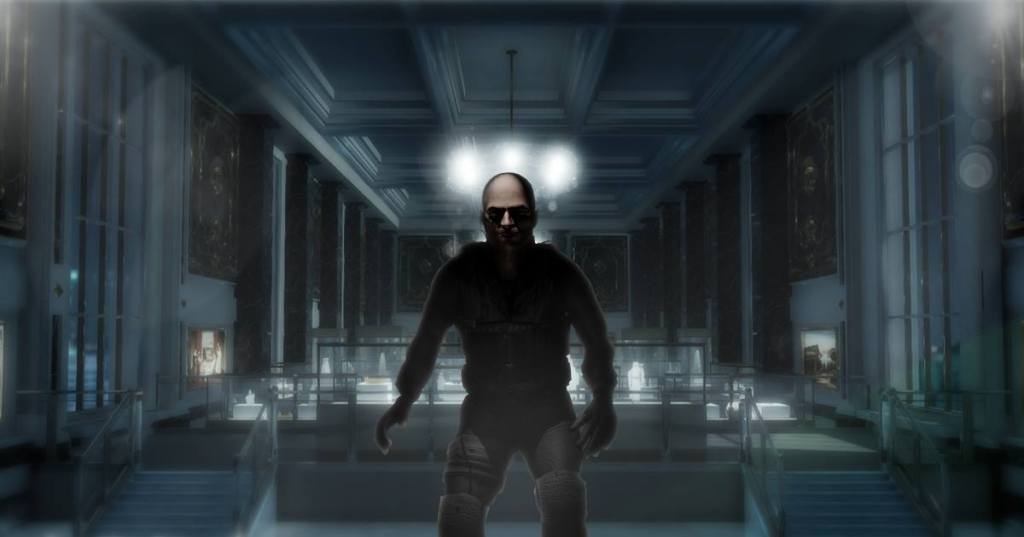
I didn’t realize the amount of work that went into textures and materials that are used on assets. To get that realistic look you have to work with sub meshes which are multiple materials created in an outside 3D modeling program usually done by a environment artist. Speaking of materials. To create a see through window, all you need is a sub mesh with a transparent material. Easy Peezy! For that window though, you might have like 5 materials just to make it look somewhat decent. You need to take your time and focus on the little things. Because its usually the little things that add the depth and attention that so many games lack. Working with the Occlusion toggle will create false shadows to give your asset that attention to detail I was talking about. Zero to one, 1 being the most! “Occlusion map is like a gray-scale image, with white indicating areas that should receive full indirect Lighting, in Black indicating no direct lighting.” Li Dat! as we say on da islands! So there’s my little tip of the day. To sum it up I’m having a blast learning and feel so blessed to be a part of a team that equally shares my enthusiasm. Until tomorrow my ohana! Keep on reading! Much love and mahalo
 Riley Makena Rudd
Very interesting and informative, Thanks
LikeLike